
Redesigning a 360 Capture App for Faster Field Operations
Redesigned a 360 image capture app — increasing capture speed by 1.5–2x and improving data quality for nationwide field image capture specialists.
Role
Senior Product Designer (Individual Contributor)
Timeline
Apr 2025 – Jul 2025
Type
iOS Mobile App
Overview
Impacts
Increased 360 image capture speed by 1.5–2x
Reduced user confusion during onsite capture
Improved consistency and quality of captured data
My Contribution
- Led end-to-end redesign of the mobile capture experience
- Defined a task-based workflow for field operators
- Designed core mobile flows and interaction patterns
- Built the mobile UI foundation for faster iteration
Problem
The existing capture app was built around technical functionality—not user workflow.
Field operators faced challenges in real-world conditions:
Scattered actions and unclear navigation
No guidance on what to do next
Difficult recovery when issues occurred during capture
Result:
Slower capture sessions
Frustration in the field
Inconsistent and lower-quality data collection
Insight
Users don't think in features — they think in tasks.
In the field, capture specialists are focused on completing a job efficiently under time and environmental pressure.
They needed:
what to do next — without having to figure it out
Minimal decision-making during capture
Confidence that their work is progressing correctly
The experience needed to guide actions, not expose tools.
Process
I iterated from early workflow studies to prototype validation, then tested the experience in a real capture environment to identify friction and communication gaps.
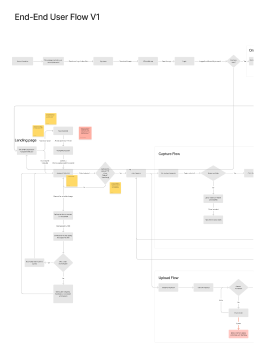
Iterated through wireframes
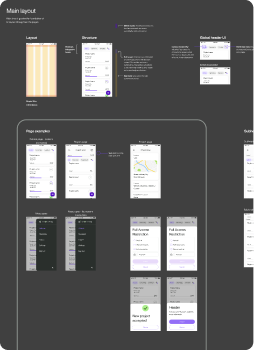
Prototypes
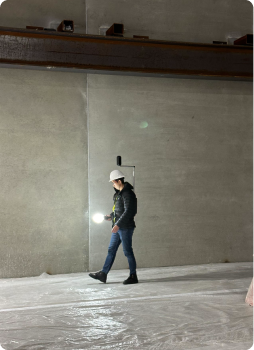
Field Testing
Iterated through wireframes
Prototypes
Field Testing
Key learning
Real-world testing revealed gaps in communication and workflow clarity that were not visible in early design stages.
Solution
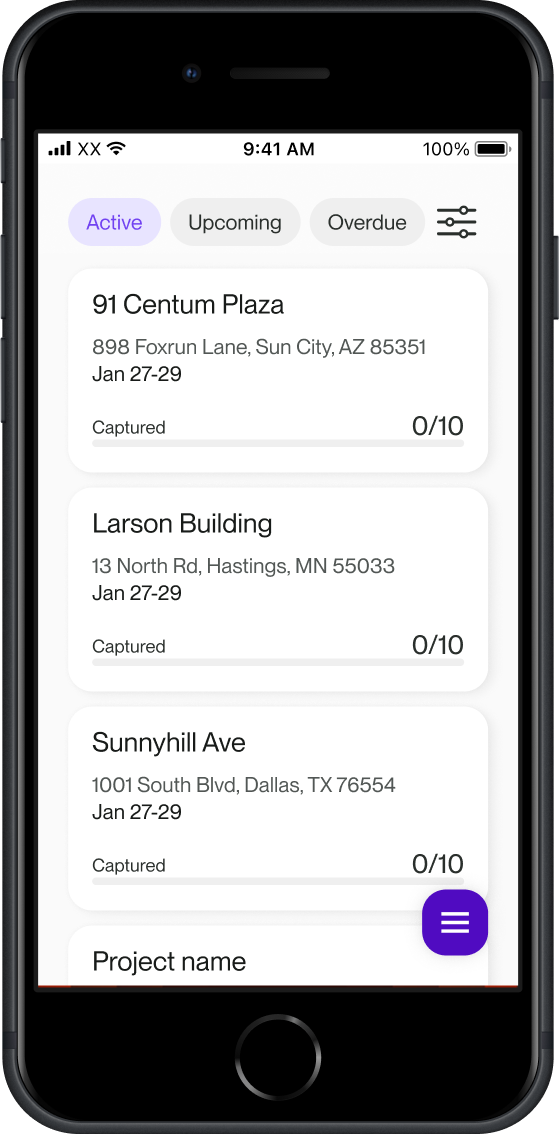
01 / 04
Task-Oriented Experience
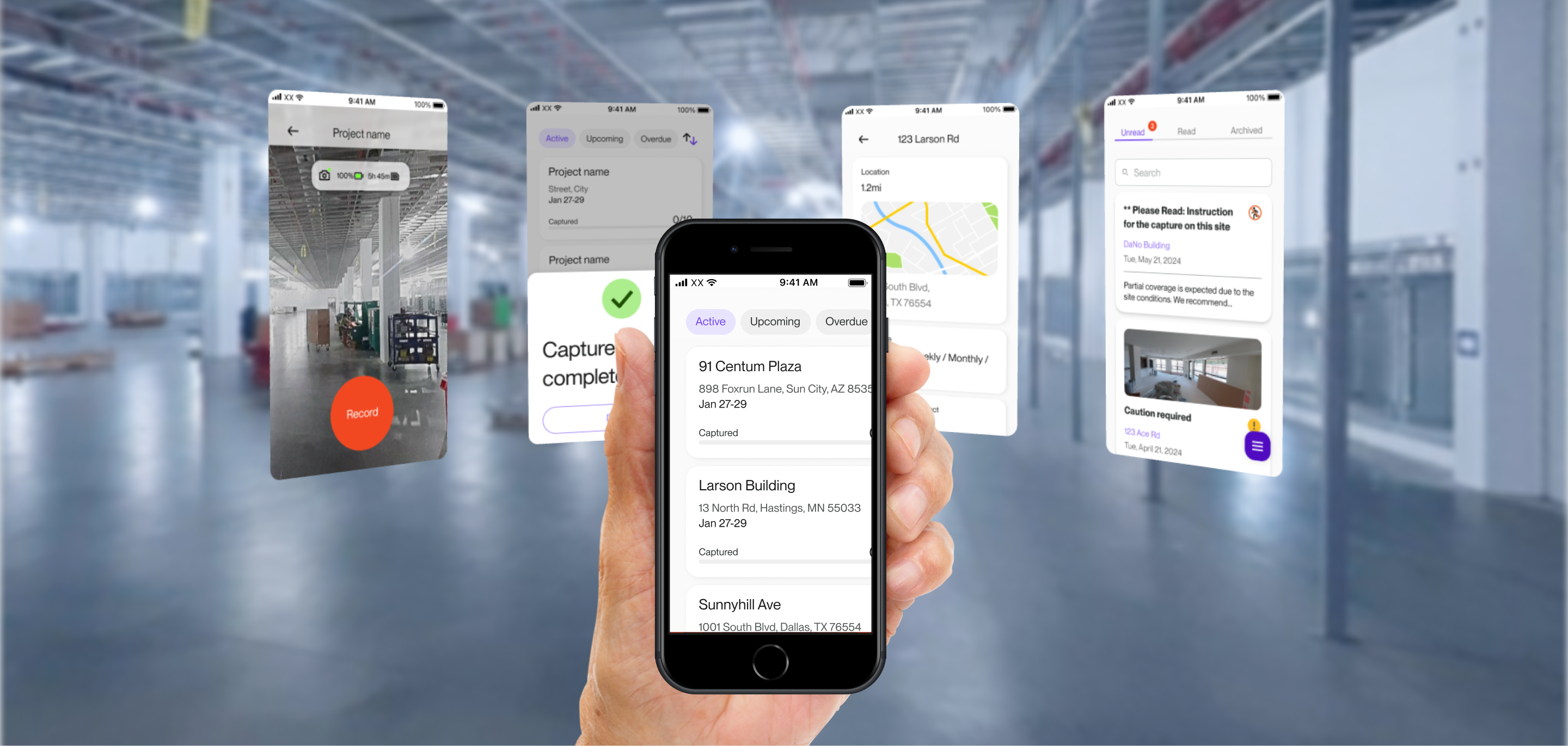
Reframed the app around what users need to do, not what the system offers.
Landing page surfaces Active / Upcoming / Overdue captures
Clear prioritization of tasks
Quick filtering with simple chip interactions
Reduced time spent interpreting status and helped users immediately focus on the next action.
02 / 04
Simplified Capture Flow
Reduced friction during the most critical moment: capturing.
Streamlined steps into a focused flow
Designed around hardware constraints of the 360 camera
Minimized interaction overhead for fast real-world use
Allowed users to start capturing quickly in real-world conditions.
03 / 04
Progress Visibility
Made system status clear and immediate.
Capture progress displayed with bars
Upload status visualized with ring indicators
Increased user confidence and reduced uncertainty during long or repeated capture sessions.
04 / 04
Communication Layer
Added a lightweight communication system to support field work.
Message center for direct communication
Clear categorization and visual hierarchy of messages
Reduced miscommunication with managers and helped resolve issues before affecting capture quality.
Impact
Increased capture speed by 1.5–2x
Reduced confusion and hesitation during onsite capture
Improved consistency and quality of captured data
Strengthened stakeholder confidence and supported continued product investment
This project enabled field teams to work faster and produce higher-quality data at scale — transforming the 360 capture experience from a source of friction into a tool they actually wanted to use.